













Know the guest.
Remember the details.
Keep bookings, visits, and guest notes together, and bring familiar faces back with an email.
Explore customer managementTickets, VIP tables with deposits, the door and the morning-after numbers, in one system built by nightlife operators. One plan, every feature.


Six kinds of venue, one plan with every feature.
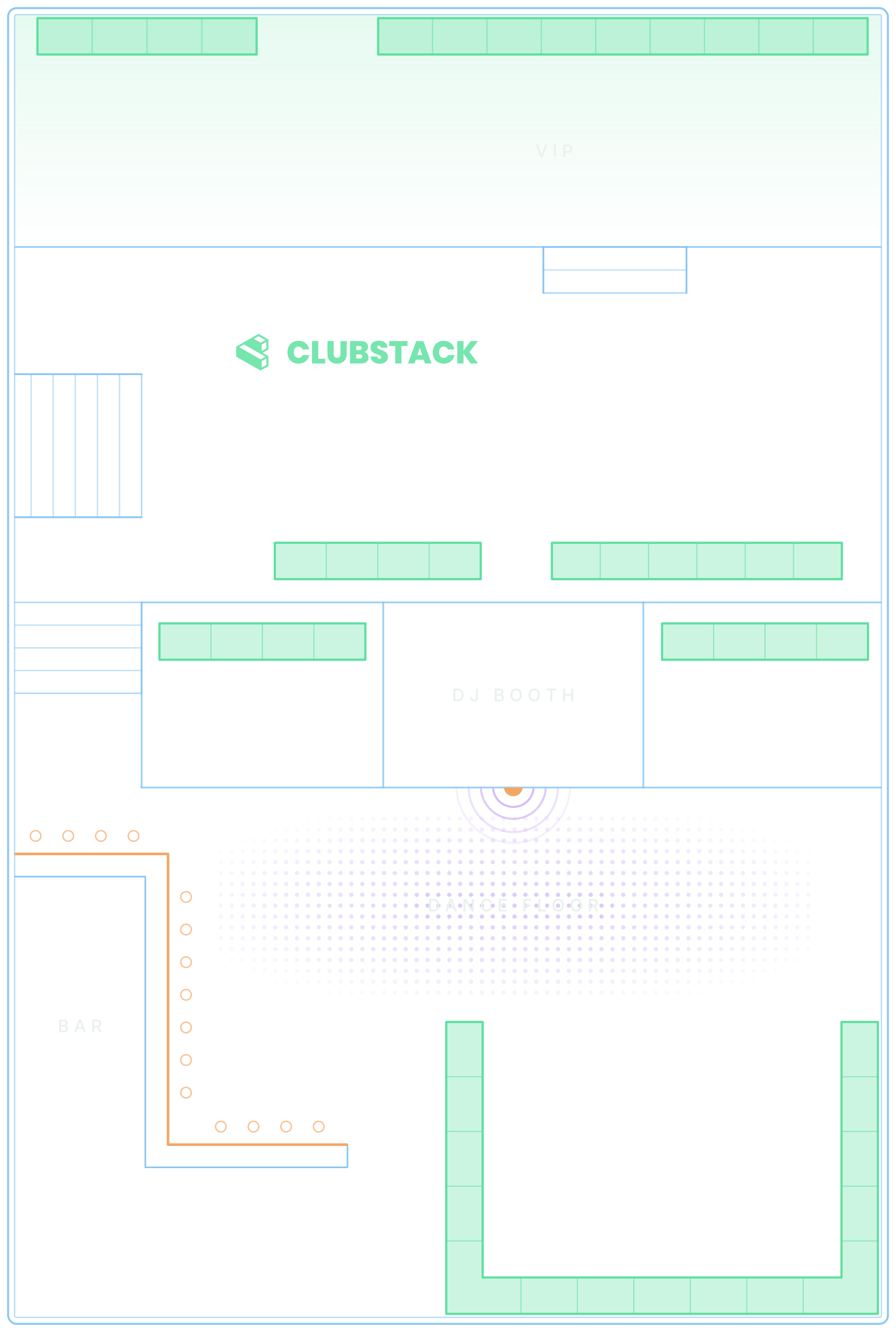
Give reservations a proper home. Organize your floor, collect deposits, and help your team know who’s arriving and where they’re sitting.
An AI concierge answers guests on your pages and website, and brings in your team when it matters.
Turn interest into a spot on the guest list. Create events, set your ticket tiers, and give guests a simple way to book.
See it with your own events.
Who came, what sold, and what needs someone right now.
Keep bookings, visits, and guest notes together, and bring familiar faces back with an email.
Explore customer management
Bring ticket sales, table revenue, and event results into focus. Find what’s working and plan what’s next.
Explore reportingPulse watches table requests, deposits, guest chats, the door, guest emails and the guest list, and tells you what someone has to act on. Each alert clears itself once it’s fixed.
Explore PulseThree steps from a new account to your first sale.

Create your business, add your brand, and invite your team.

Add tickets or tables, set availability, and connect payments for sales.

Publish your page, share the link, and get ready for check-in.
How-to guides walk each person through VenueStack on your own dashboard, with a voice that explains each part as it glows.
Closing time, liquor licences, tax on the bill, staff wages and the year’s big nights in each city below.
All 72 city guides
Yes. Offer tickets and tables for the same event, with ticket tiers, table availability, and deposits managed through VenueStack. Choose the options that fit each event.
Yes. Add VenueStack’s event calendars and booking widgets to your website, or share your branded VenueStack pages directly with guests.
Your team can use VenueStack on a computer and in the VenueStack app for iPhone, iPad and Android to check tickets, manage table arrivals, and view the information their role allows. Pulse shows managers what needs someone right now, from an unanswered table request to a door phone that has stopped scanning. If the connection drops, the door keeps working: each phone saves tonight’s tickets, passes and floor, and every change syncs when it comes back.
VenueStack is one plan with every feature and no contracts. The pricing page has the monthly and annual rates. Create an account to start the free trial, or book a demo for help choosing your setup.
Sell tickets, book tables and check guests in from one place.

