Event venue software: Run every kind of event from one setup
Sell tickets, seat tables on your floor plan, check guests in and compare one event with the next, whether it is a concert, a gala or a private hire.

Event venues on VenueStack.
For venues that host live music one night and a private function the next. Duplicate an event to reuse its setup, and change only what is different.

Stop rebuilding your setup for every event
A concert one night and a gala the next, and the tickets, the layout and the guest list get rebuilt each time, in tools that don’t share anything.

Starting over every time
Each kind of event needs different tickets, tables and timings, and tools that can’t copy last month’s setup make you build it again.
Details lost between systems
When ticket sales, table bookings and the door live in separate tools, the details fall between them on the night.
Nothing to compare
With revenue and attendance spread across platforms, nobody can say which event worked better.
Built for a room that changes every night.
- Ticketed events
- Table assignments
- Floor plans
- Guest check-in
- Private hires
- Post-event reports
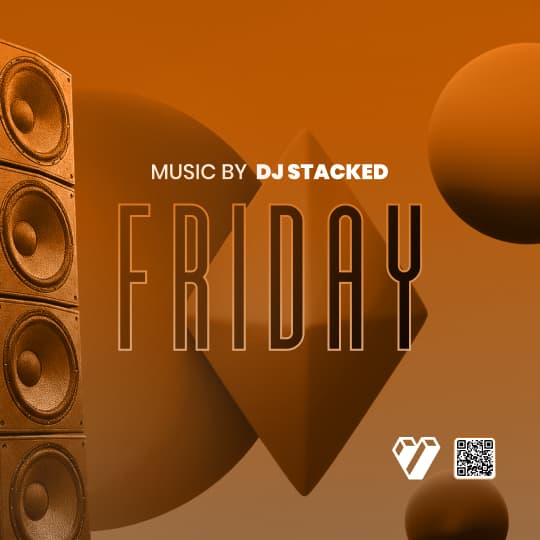

Sell and manage tickets
Branded event pages, ticket tiers, promo codes and add-ons, with sales you can watch as they come in.
Explore the platformAssign tables and seating
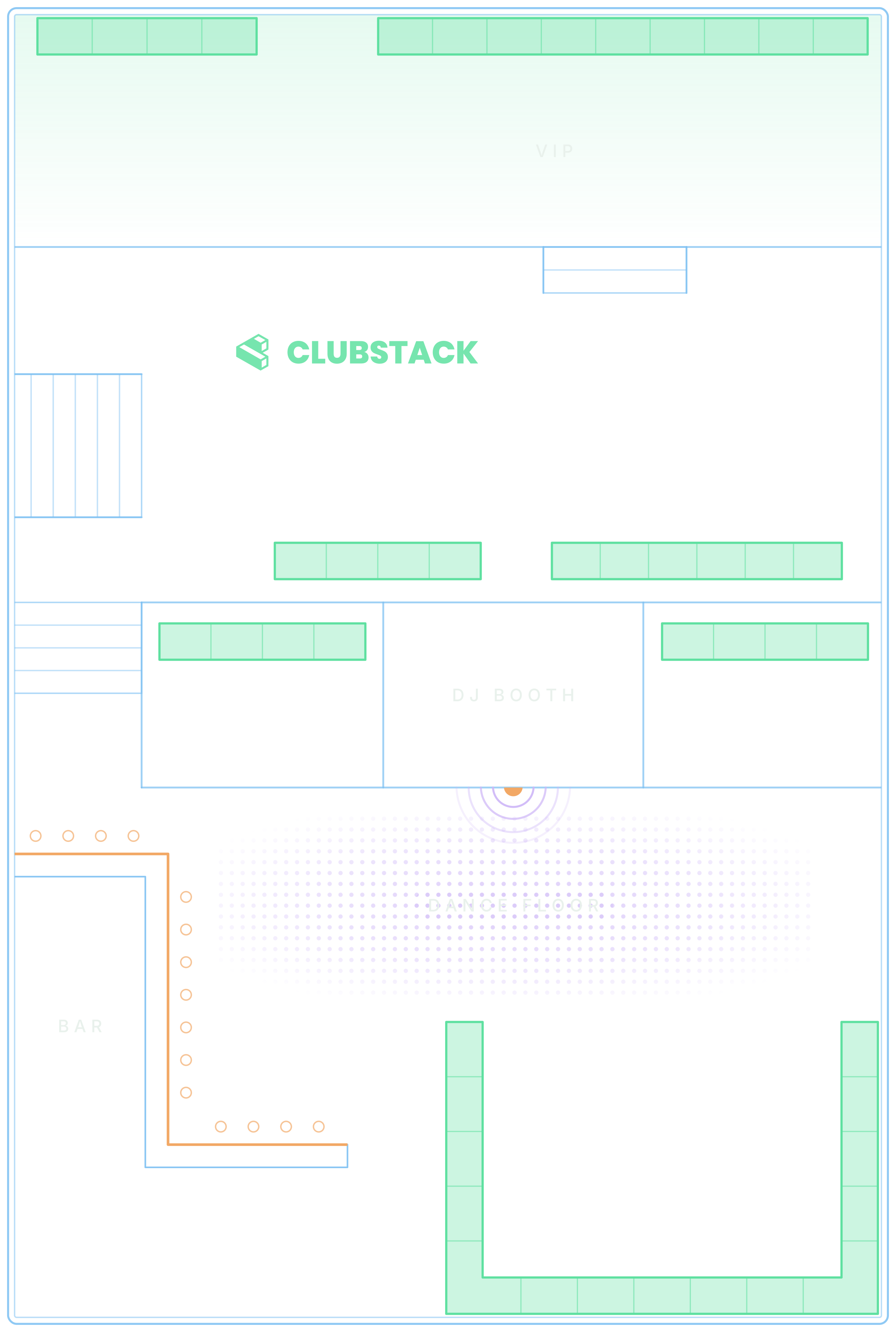
Rooms, sections and tables on a floor plan our team designs with you, with deposits, minimums and capacity for each section.


Run the day of the event
Scan tickets at the door, seat tables, assign servers and see what needs someone in Pulse.

Measure every event
Sales, attendance and where buyers came from, with any two events side by side.

An event, start to finish.
What VenueStack does from the first booking to the last guest out. All of it is on the one plan.
Before the event
Before the event
One-off shows, recurring nights and holiday parties, with no cap on how many you run.
Ticket tiers and table bookings with deposits belong to the same event.
Sections, tables and capacities mapped once on an interactive floor plan, which our team can design for you during onboarding.
Branded pages on your own VenueStack page, or embedded in the website you already have.
At the door
Tickets and passes scan in the check-in app on any phone or iPad, and any guest can be found by name.
Tonight’s tickets and passes are saved on each device, so the door keeps moving when the signal drops.
Count guests in by hand, and every door counting the same event adds to one total.
During the event
Requests, arrivals and seating, on the same floor plan your guests booked from.
Hosts, door staff and managers each see only what their role needs.
Requests nobody has answered, deposits still unpaid and a scanner that stopped checking in, flagged as they happen.
Afterwards
Sales, check-ins, deposits and the door count, and any two events side by side.
Every order and booking builds one customer list, in your account, ready to export.
Tell past guests about the next event, filtered by tag, spend or past purchase.
Know what needs you, right now
Pulse watches the whole venue and lists what someone has to act on, from a table request nobody has answered to a door phone that stopped scanning.
- Requests, deposits, chats, the door and more
- Remind, resend or open the booking from the alert
- Each alert clears itself once the problem is fixed

What it costs.
One published price for every feature, with a free trial before you pay.
One plan. Everything included.
Every feature on every account, and you can cancel whenever you like.
- Event calendar widget
- Ticket sales
- Table management
- Deposits
- Add-ons
- Passes
- Email campaigns
- Reporting
- QR door check-in
- Guest profiles
- Branded public pages
- Team roles and permissions

Comparing event venue software?
Each side-by-side sets out what the other platform’s own pages describe and what it costs, next to VenueStack.
- 1. VenueStackOursTickets, VIP tables with deposits, passes and the door on one published plan16.5 of 19
- 2. VenueStack vs FourvenuesSelling through many channels, with promoter ticket quotas and detailed reservation rates16 of 19
- 6. VenueStack vs GuestiiNo subscription, a fee per paid entry, and Square at the door and bar14.5 of 19
- 7. VenueStack vs TablelistProVIP tables and promoter tools, or admissions alone on its Basic plan14.5 of 19
- 8. VenueStack vs UrVenueResorts and groups: dynamic pricing across tables, cabanas, rentals and admissions14 of 19
- 13. VenueStack vs SevenRoomsSeveral venues sharing one guest database, with POS-linked spend in profiles12 of 19
- 15. VenueStack vs EventbriteFree events and reach through its ticket marketplace10 of 19
Scored on the 19 capabilities each platform’s own pages describe for a night out. We make VenueStack, so the method is public.
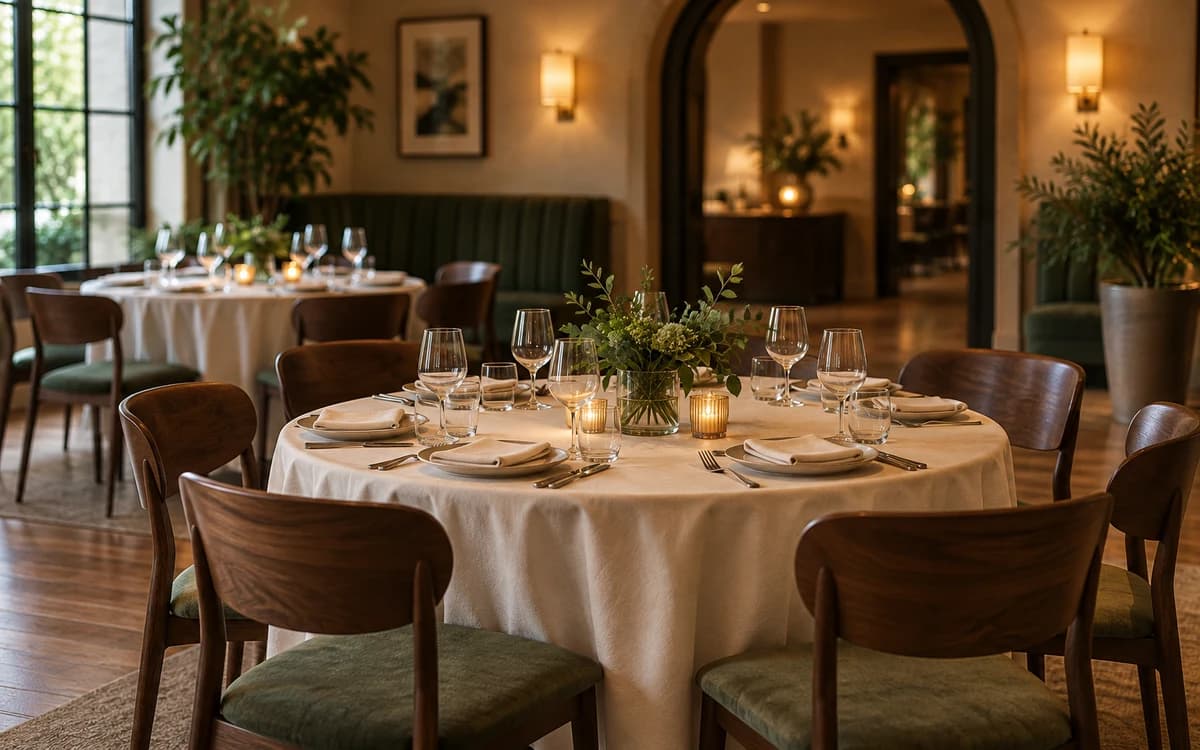
Set up with our team.
Start a 14-day free trial, and we’ll set up your first night with you before anything goes live.
Your floor plan, designed
Send us your layout and our team designs your floor plan during onboarding.
Your first night, built
Rebuild one real night with us: ticket types, tables, deposits and minimums, with hands-on virtual training.
Your team, trained on the job
Narrated How-to guides play on the real dashboard pages, for just the parts each role uses.

Software that runs a venue’s events: the calendar, tickets and table bookings, the floor plan, the door and reporting afterwards. VenueStack does all of it on one plan, with your customer list in your own account.
It depends on the platform: some charge a fee on every ticket, some quote each venue, and some publish a monthly plan. VenueStack is $200 a month, or $180 a month billed yearly, with every feature, plus 4% processing fees, at least $2 and at most $50 (C$2.50–C$50, €2–€50, £1.50–£50) on each paid online order and the card processing fee. You choose whether guests pay those fees at checkout, free tickets and bookings carry no fee, and there is a 14-day free trial.
Yes. Concerts, corporate functions, weddings and private parties are each an event with their own tickets, tables and add-ons. Duplicate one to reuse its setup, or set a regular night to repeat.
Your floor plan holds your rooms, sections and tables, designed with our team during onboarding. Each event then decides which sections guests can book, at what deposit and minimum, and can split the night into timeslots.
Yes. Publish an event to sell tickets on its page, or set a private hire to Internal so guests can’t see it while your team still adds reservations. Both use the same check-in, tables and reports.
Your floor plan and your customer list carry across every event. Duplicating an event reuses its setup, and a repeating event gives every date the tickets, tables, add-ons and promo codes you save for all future dates.
Reports show each event’s sales, table bookings, door count and where buyers came from, and you can put any two events side by side to see what changed.
Most venues are up and running within a day. Create your account, set up your floor plan, publish your first event, and you are ready to go. Your staff learn the dashboard from the How-to guides built into it, a narrated walkthrough of the parts each role uses, so there is no separate training to book.
Your next event starts here.
Sell tickets, book tables and check guests in from one place.