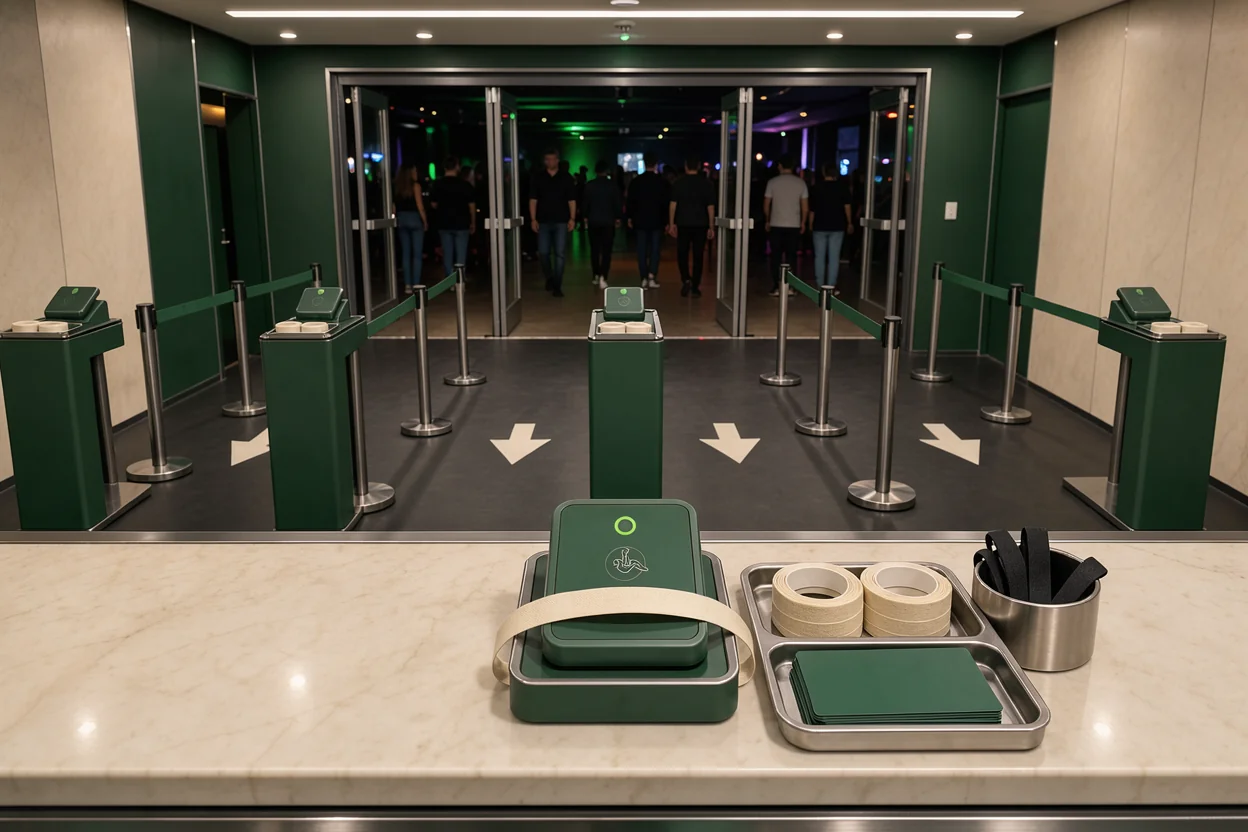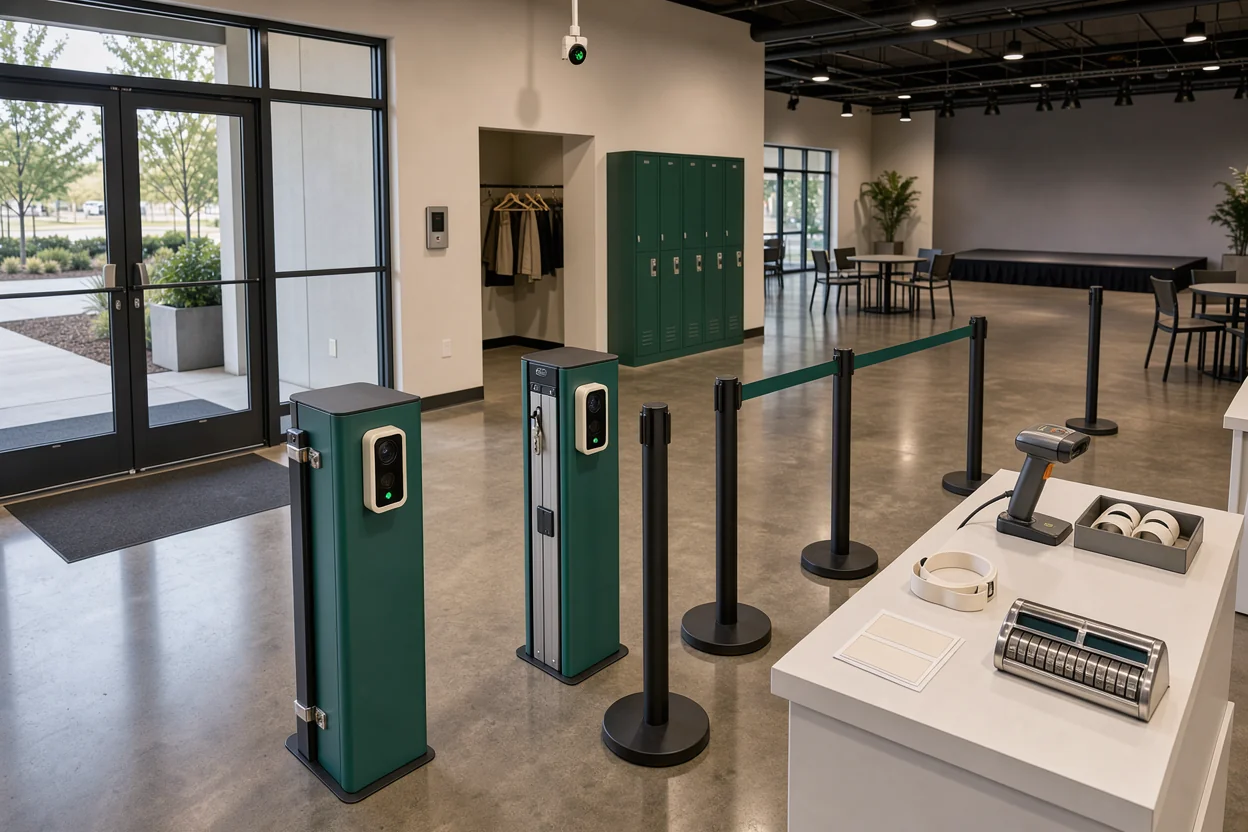
TicketSpice’s help-center article dated March 26, 2026 documents dynamic capacity adjustment actions. For venue operators looking for an event capacity planning guide, that capability raises a practical question: how should changeable ticket limits work alongside table reservations, guest lists, and the number of people admitted?
As of October 10, 2026, capacity controls appear in several platforms’ published product materials. The evidence supports a careful update on documented capabilities. It does not establish a coordinated industry launch or show that every platform handles capacity the same way.
For nightclubs, beach clubs, lounges, and festival teams, the immediate consequence is a broader buying decision. Operators need to assess how a system distributes admission inventory, changes allocations, and records attendance. A demonstration should show what happens when those functions meet during a busy event.
Published controls cover different parts of the event
The platform documentation points to several meanings of capacity, each affecting a different operating decision.
Tiqqo presents capacity management specifically around event ticket sales. ROLLER’s capacity-management page describes real-time guest-number controls. TicketSpice’s dated help article addresses actions that dynamically adjust event capacity limits.
Those descriptions establish the subjects the providers address. They leave important implementation questions for operators to resolve: which bookings consume inventory, what triggers an adjustment, and which records feed a live guest count?
Documentation dates need careful interpretation
TicketSpice’s March 26 date gives this update a dated reference point. It should be treated as the date attached to the help article. Establishing when the capability first became available would require a release announcement or version history.
That distinction matters for anyone considering a switch. A recently dated page may describe an established capability, an updated workflow, or a new function. The date alone cannot settle which applies.
The practical interpretation is that capacity belongs in the product evaluation. Operators can ask vendors to demonstrate documented controls against their own admission rules.
Keep the evidence close to the decision. A sales-capacity page should prompt questions about inventory enforcement. A live-count claim should prompt questions about arrivals, departures, and synchronization. Request the relevant documentation and record the demonstrated behavior before signing off on an event configuration.
Dynamic inventory needs a stable operating ceiling
Capacity adjustments become useful when operators can distinguish a change in available inventory from a change in the venue’s operating limit.
Keep the approved occupancy basis, the event’s operating guest allowance, and the quantity currently available for booking as separate records. Configure sales against the guest allowance established for that event’s layout. Record how staff, contractors, production areas, and other allowances have been treated.
Releasing holds should preserve the total
Consider a hypothetical nightclub with an operating guest allowance of 500 for a particular night. Its allocation is:
- 300 general-admission guests.
- 120 guests attached to table reservations.
- 30 complimentary admissions.
- 50 places held for later allocation.
The total is 500. If a manager releases 20 held places into general admission, general-admission inventory becomes 320 and the hold becomes 30. The operating allowance stays at 500.
That is the distinction operators should test when a vendor demonstrates dynamic adjustments. An action may redistribute inventory, change a product’s limit, or alter an event-level setting. Ask the vendor to identify the affected counter and show the resulting total.
VenueStack connects ticketing, table bookings, guest lists, check-in, and reporting in one system. Within that setup, event table rules belong in the capacity review alongside ticket allocations.
A reservation change should have an explicit admission consequence. If a table grows from eight guests to ten, record where the additional two places come from. Give the person approving that change visibility into the remaining allocation.
Tickets and tables expose gaps between counters
The capacity-control update matters most where several booking types share the same room.
A nightclub may sell tickets online, take table deposits, maintain a guest list, and accept walk-ins. Each route can produce a valid booking while drawing on the same guest allowance. The purchasing question is whether the platform connects those routes to a common limit.
Reservations need a guest quantity
In the hypothetical 500-guest event, 120 table guests might be attached to 12 reservations for ten people each. Counting reservations would produce 12 records; counting admission entitlements would produce 120 guests.
Ask vendors which quantity their capacity settings use. A table, booking, order, ticket, and attendee are different units. Group admission introduces another question: does one scan admit the whole party, or can staff record partial arrivals?
For VenueStack users, the event setup documentation provides a starting point for reviewing configuration. Carry the agreed counting units into that review, including how table guests and complimentary admissions are represented.
Sales channels need one remaining balance
The demonstration should also cover concurrent activity. Have two staff members attempt to allocate the last available places through different booking routes.
Observe when inventory becomes unavailable: during checkout, after payment, after approval, or at another defined point. Then test an abandoned purchase and a failed payment. Record when any reserved inventory returns.
Operators should also identify bookings kept outside the main system. A promoter’s spreadsheet or a manager’s private guest list needs an explicit allocation if those guests are expected to enter. Assign responsibility for entering those commitments before tickets reach the sales limit.
Live guest counts depend on the door records
A platform’s live-count claim becomes operationally useful when staff understand what the displayed number measures.

ROLLER’s product-page description puts real-time guest numbers within the capacity-management discussion. For buyers, the next question is whether a displayed count represents admissions recorded, guests currently inside, or another measure.
Arrivals and departures need clear treatment
Cumulative check-ins increase as guests arrive. A current occupancy count also needs a way to account for departures. Ask the provider to explain how its displayed number treats exits, re-entry, and corrections.
Partial table arrivals deserve their own demonstration. If four people arrive from a ten-person reservation, the door team should be able to explain what the system records and how the remaining six are handled.
Walk-ins and complimentary guests belong in the same discussion. Request a demonstration of each admission route, then compare the records with the displayed total. Staff need to know which actions update it.
An integrated venue operations platform should be assessed through that complete workflow. Follow the guest from booking to admission and through any later departure or correction.
Connection loss needs a rehearsed response
Ask what happens when two scanning devices lose their connection. Can both admit the same ticket? When do their records synchronize? Which number should the supervisor use while synchronization is incomplete?
These are questions to verify with the provider rather than assumptions about every platform.
A fallback procedure should identify who maintains the temporary count, how staff record admissions, and who reconciles those records afterward. Put that procedure on the devices used at the door. Include a connection-loss exercise in staff training before the first busy event.
Switching platforms now calls for a capacity rehearsal
The documented controls expand what operators should request during a software demonstration.
A vendor-led tour can show where a capacity setting lives. A rehearsal shows how the setting behaves when the event changes. Use the venue’s actual booking categories and staff roles, with test records that can be reviewed afterward.
Demonstrate the last available places
The most useful rehearsal concentrates on transitions near the limit:
- Attempt simultaneous purchases against the final available allocation and inspect the resulting orders.
- Increase a table’s guest quantity while general-admission inventory is nearly exhausted.
- Release a hold, then trace the places into the receiving allocation.
- Refund a booking and inspect whether its admission entitlement remains valid.
- Correct a mistaken check-in and review the effect on the displayed count.
- Use two devices during a connection interruption, then inspect the synchronized records.
Record the expected result before each exercise. That gives the reservations manager, door supervisor, and vendor the same standard for assessing the outcome.
A useful interactive allocation checker would accept the event’s operating guest allowance, ticket quantities, table guests, comps, and holds, then show the unallocated balance.
Capacity behavior belongs in the cost discussion
Operators should establish which documented controls are included in the proposed subscription and which require another service, device, or plan. Ask for those terms in writing.
Use venue software pricing alongside the operational review. Compare the quoted cost with the configuration demonstrated, including the staff access and reporting required to run it.
Keep a copy of the event settings used in the rehearsal. Before live sales begin, compare them with the production event and resolve any differences in limits, permissions, or booking categories.
Questions operators should put to capacity vendors
The available documentation establishes enough to ask more precise questions, while leaving several behaviors to be confirmed.
These questions belong in the purchasing conversation because their answers determine who can change inventory and what the door team can trust.
What does a dynamic action change?
Ask the provider to name the affected setting: an event total, ticket category, reserved allocation, or another counter. Request an example showing the values before and after the action.
Then ask what prevents a permitted adjustment from exceeding the event’s agreed guest allowance. Record whether that protection is automatic or depends on staff procedure.
Does a refund restore admission inventory?
Require the provider to demonstrate a refund, a cancellation, and a voided ticket separately. The relationship between payment status and admission status needs to be explicit.
If inventory returns, establish when that happens. Check whether the original admission credential still works and whether another guest can purchase the released place.
Who can override a limit?
Ask which staff roles can edit totals, admit an exception, or reopen sales. Request the record created by each action, including the user, time, and changed value.
Reservations and door teams should agree who approves exceptions during an event. Put the named role in the operating plan and confirm that account permissions match it.
Event records will show whether the controls hold up
The next useful evidence for operators is an event-level record showing how capacity decisions moved through sales, bookings, and admissions.
A headline count cannot explain every discrepancy. A review needs the quantities sold or allocated, cancellations, table guest entitlements, complimentary admissions, check-ins, and any departures used in the live count. Each number needs a defined unit and reporting period.
Trace changes through the following morning
VenueStack’s ticket reporting documentation is relevant to that review. Agree in advance which records will be used to reconcile ticket activity with the event’s guest allocations and door records.
For the first event after a switch, preserve the original allocation and every approved change. Compare the final records with the operating plan. Investigate differences by booking route and admission type rather than adjusting totals until they match.
Track manual corrections as well. Record how often staff had to repair a guest quantity, resolve a duplicate admission, or reconcile an outside list. Those records identify the workflows that need another rehearsal.
For future product updates, watch for documentation explaining shared allocation limits, adjustment triggers, departure handling, synchronization, and change history. A dated description of those behaviors is more useful for operating decisions than a broad capacity label.
Before expanding a new system across more events, resolve the discrepancies from the first event and update the written configuration record.