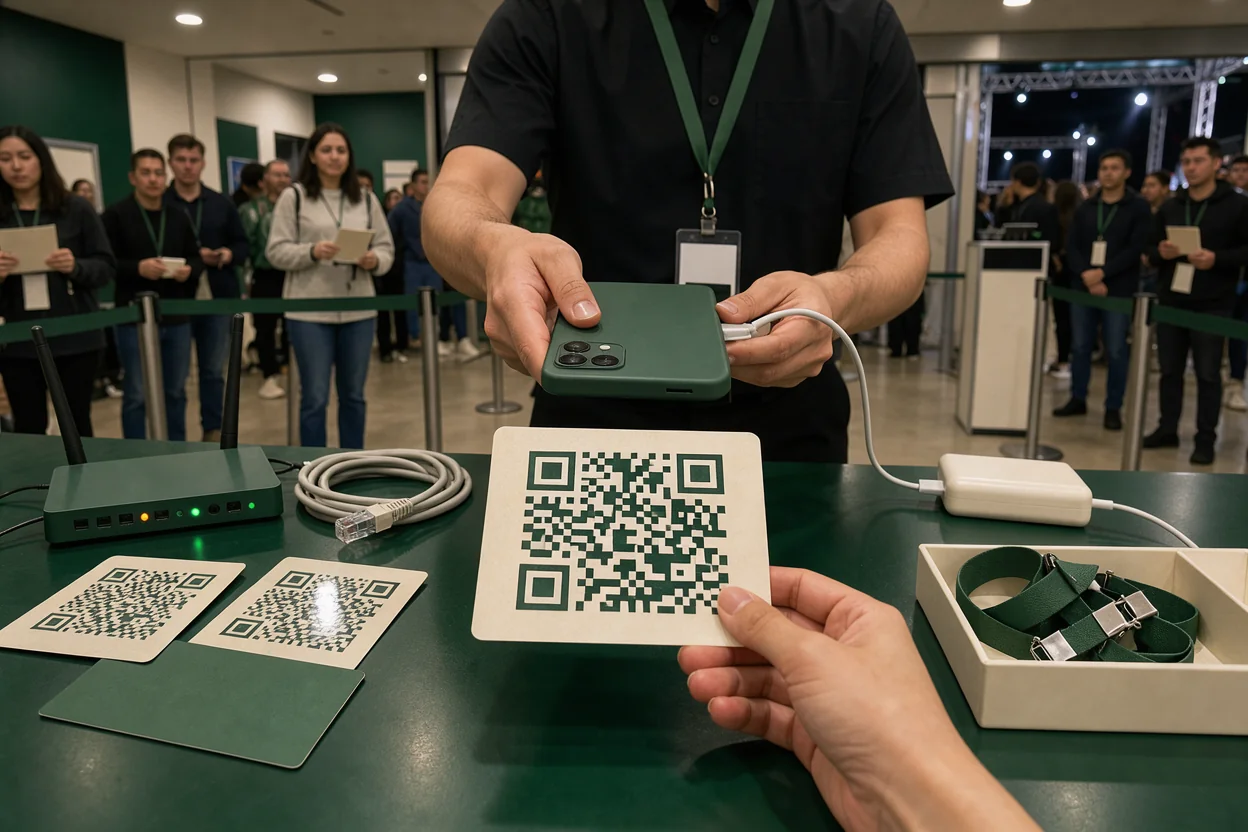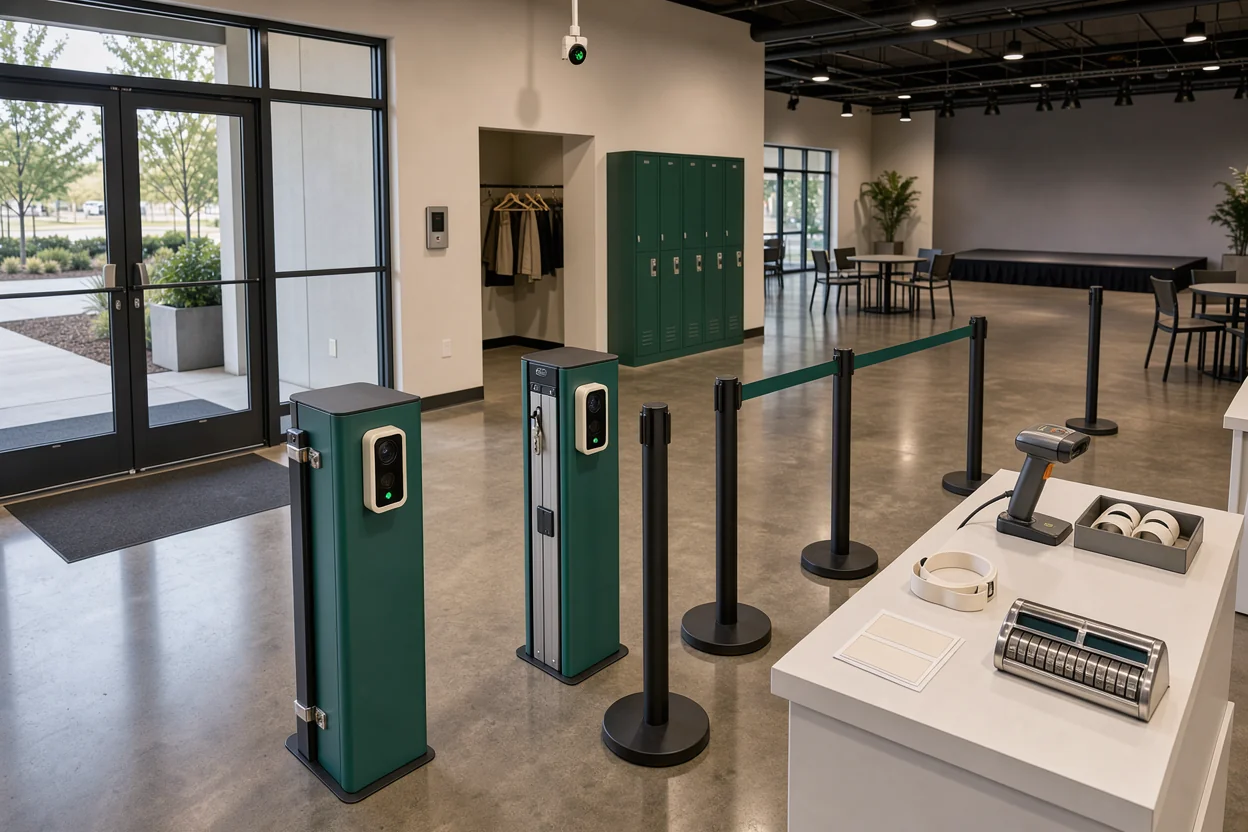
To sell tickets and tables together, decide what each purchase admits, how it reserves capacity, and what staff should see at the door. Skip the Queue’s video about The Traitors Live Experience gives a useful starting point: individual group tickets and an exclusive table package have different booking rules. This companion applies that distinction to an event page, then works through the details your venue needs: table inventory, deposits, separate arrivals, and the morning’s reconciliation.
Video: Create, Sell, and Manage Tickets for Any Event: Ticketing Demo PromoTix
Watch how one table creates two booking choices
The clip explains why admission tickets and a whole-table purchase need distinct rules, even when guests attend the same experience.
In Skip the Queue’s discussion of The Traitors Live Experience, the table seats 14 people. Guests who book together play together, but ordinary ticket purchases are capped at eight. Booking the full table of 14 requires a separate package.
Those are the rules described for that experience. They illustrate three choices an operator must make:
- How many people can buy ordinary admission together?
- Does a table booking reserve the entire table?
- What admission rights come with that reservation?
The clip explains the guest-facing distinction. It does not demonstrate software settings, shared capacity controls, deposit collection, or door scanning. The workflow below adds those operating decisions.
Start with the promise attached to each purchase. A guest buying one admission expects entry for one person. Someone reserving a table may expect space for a group, admission for that group, and credit toward spending. Each expectation needs an explicit answer.
Use the video’s group-booking example to check your own descriptions. If friends can buy tickets together without securing an exclusive table, say so. If exclusivity requires a table package, put that requirement beside the booking choice.
Build the event page around admission and table inventory
A combined event page should make the relationship between entry and reserved space clear before the guest reaches payment.
Define what each purchase admits
Write a short specification for every product before configuring it. For an admission ticket, record the entry entitlement, arrival restrictions, price, and available quantity.
For a table, record the table or area, maximum party size, included admissions, payment due now, and any spending requirement. State whether guests choose a specific table or receive an assignment from staff.
Avoid a description such as “VIP table for six” without explaining entry. It leaves the buyer to guess whether six admissions are included or must be purchased separately.
A clearer description might say: “Reserved table for up to six guests, including admission for all six.” If admission is separate, state that beside the table price. Keep the wording consistent in the event page, checkout, and confirmation.
For VenueStack users, the event creation workflow is the starting point for building the night’s event record. Set the date, arrival window, and event details before adding the booking choices.
Make the booking choices readable
Present admission and tables as choices within the same event. Guests should be able to understand either route without opening another page to find basic terms.
Show the information that changes the purchase decision:
- The number of guests covered by the purchase.
- The amount payable during booking.
- Any remaining payment or minimum spend.
- The arrival deadline and cancellation terms.
- Whether the table location is selected or assigned.
Where location matters, align the booking description with your floor plan setup. A table number in the confirmation should match the identifier staff use on the floor.
Preview the page on a phone. Read each option as a first-time guest would, then check that its price, admission entitlement, and payment terms appear together.
Make every booking draw from the same room limit
Tickets and tables can share an event page while still consuming different inventory. The room limit must account for the people behind every sale.
Reserve places for the whole table party
A table is one reservation, but it may represent several admissions. ThunderTix addresses this distinction in its help topic on full-table ticket counting, which asks how full tables count as multiple tickets for general admission events.
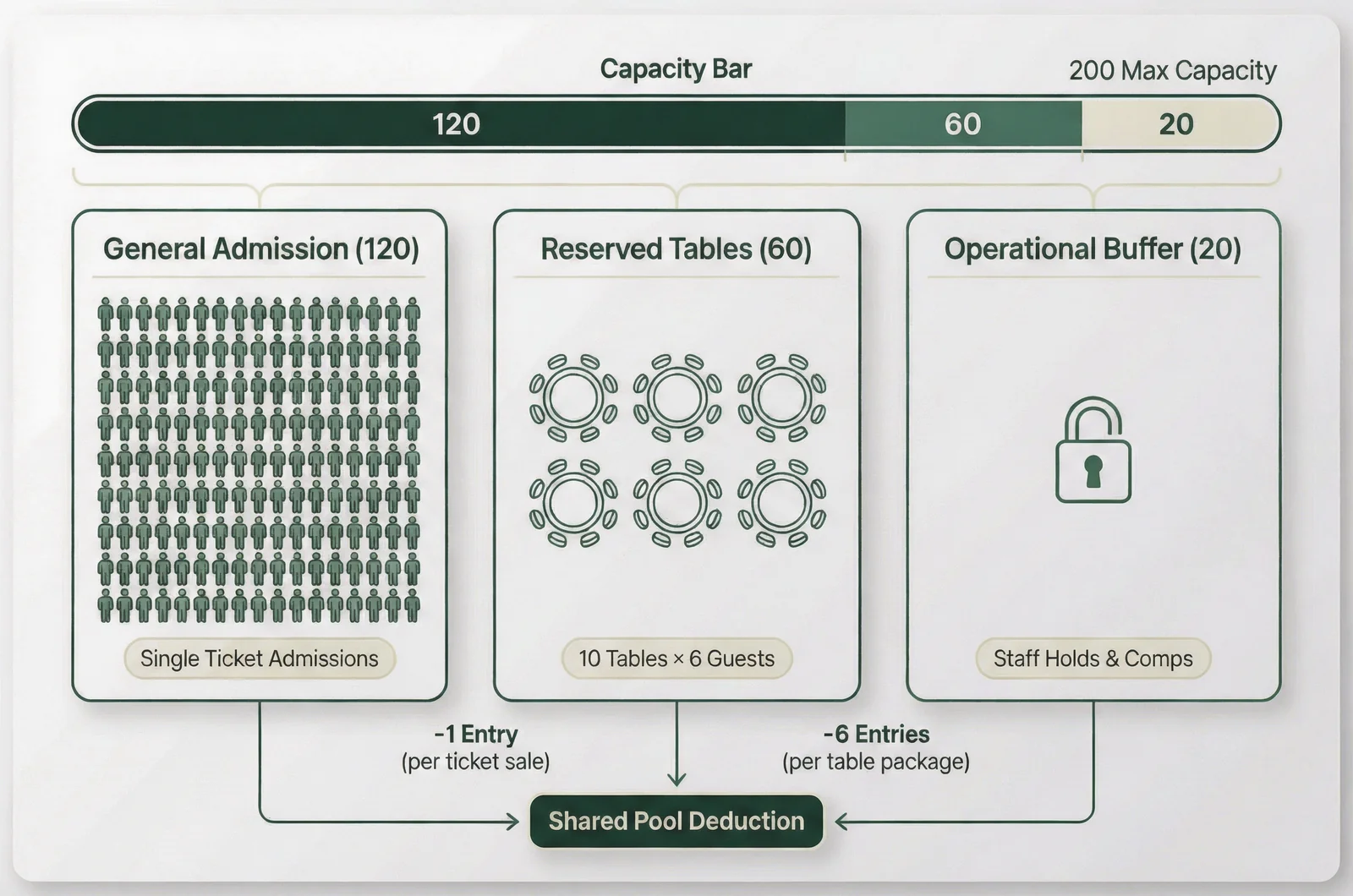
Consider a hypothetical night with an operating limit of 200 guests. You plan to sell ten tables, each including admission for up to six people. Those tables require 60 admission places.
If you also hold 20 places for another admission route, 120 places remain for general admission:
200 total places − 60 table places − 20 held places = 120 admission tickets.
This example assumes every table can arrive with its full included party. Reserving fewer places because some groups usually arrive short creates a gap between what you sold and what you can admit.
Configure the event’s table rules around the actual package. Keep physical table availability and admission entitlement visible as separate quantities.
Test the last available places
Before publishing, check what happens when the event has fewer admission places left than a table requires. A six-person package needs six available places under the example above.
Also check whether a phone reservation, staff booking, or guest-list addition changes the same capacity count. An online sales limit is incomplete if another booking route can bypass it.
A small capacity estimator would help here: enter the room limit, table quantities, admissions per table, and held places to calculate the admission inventory available for sale. Use the result as a planning check.
Run a near-capacity test through every booking route. Confirm who can change limits and who can release held places during service.
Show the table deposit separately from the night’s spend
The table price on your event page should explain the relationship between money collected now and the guest’s obligation during the event.
State what the payment covers
A deposit, a booking fee, and a prepaid package can produce different expectations. Use the term that matches your arrangement, then explain it in ordinary language.
Continuing the hypothetical night, suppose a table has a $1,000 minimum spend and requires a $200 deposit credited toward that spend. The booking description should identify both amounts.
It should also explain what counts toward the minimum and whether taxes, service charges, or gratuity are included. Avoid leaving those details for the host to explain after guests arrive.
Admission belongs in the same description. A deposit does not tell the guest whether entry is included.
VenueStack’s table deposit setup provides the procedural starting point for requesting payment. Before sending the request, make sure the guest can see the amount, its purpose, and the terms attached to it.
Carry the deposit into settlement
The floor team needs to know whether the deposit has been paid and how it should affect the table’s settlement.
Under the hypothetical terms above, a $200 credit against a $1,000 qualifying spend leaves $800 before any excluded charges. Staff should have that information in the booking record.
Keep the reservation identifier attached to the payment and the table assignment. A guest name alone can be ambiguous when several bookings have similar names or the payer arrives separately.
Set a deadline for unpaid reservations and assign someone to review them. A pending deposit should have an explicit status, rather than looking identical to a confirmed, paid booking.
Check the confirmation message against the floor team’s instructions. Both should describe the same deposit credit, admission entitlement, and remaining payment obligation.
Check in people as each table party arrives
A combined guest list needs to show individual arrivals without losing the group’s connection to its table.
Keep arrivals within the booking’s entitlement
Suppose three guests arrive first for the hypothetical six-person table. Staff need to record three admissions and preserve the remaining three.
When two more guests arrive, the booking should show five admitted and one still available. Marking the entire table as arrived when its first guest enters makes the attendance record unreliable.
Choose a process your team can carry out consistently. That might involve individual passes, an approved guest roster, or a booking record with partial arrival counts. Confirm what your system supports before promising guests a particular process.
VenueStack combines ticketing, table bookings, guest lists, and check-in in one system. Use its ticket check-in guidance when defining the door procedure, then check how your table parties will be recorded.
Give door staff access to the booking identifier, included admissions, arrivals so far, table assignment, and payment status. Decide which payment exceptions go to a host or manager.
Resolve upgrades without duplicate admissions
A guest may buy general admission, then join a table booking that includes entry. That change needs a defined treatment for both the payment and the admission entitlement.
If you transfer, credit, or refund the original ticket, keep a record of the action. The guest should appear once in the attendance count, with a clear explanation of where their payment went.
The same care applies when a table guest arrives without the lead booker. Staff need a way to find the reservation and confirm that person’s entitlement.
Separate admitted guests from guests currently inside if departures and re-entry matter to the event. A cumulative arrival count alone cannot describe current occupancy.
Before doors open, rehearse a split arrival, an upgrade, and an already-used pass. Assign one person to resolve exceptions while the scanning position continues admitting valid guests.
Reconcile tickets, deposits, and attendance the morning after
The combined event record should let you trace what was booked, what was collected, and who attended.
Match money to the original booking
Start with admission orders and table reservations. For each, compare the expected payment with the payment actually collected, then identify refunds, cancellations, credits, or outstanding amounts.
Keep table deposits connected to the final settlement. If a deposit was credited toward a table’s spend, adding it again to the full table payment would count the same money twice.
Distinguish guest payments from payment-provider payouts. Fees, refunds, and settlement timing can make the amount reaching the bank different from the amount collected during booking.
Use booking or order identifiers to investigate differences. Names are useful for finding a guest; identifiers are better for matching transactions.
Compare promised admissions with recorded arrivals
Review admission-ticket arrivals and table-party arrivals separately before combining them into event attendance.
For table bookings, compare the included party size with the number admitted. A six-person reservation that brought four guests represents six reserved places and four arrivals.
Keep those measures distinct when planning the next event. Unsold inventory, canceled bookings, unused admissions, and guests who left early answer different operating questions.
Record the exceptions that required manual work: missing deposits, duplicate admissions, changed tables, or refunds that lacked a clear note. Assign each unresolved item to a person.
For the next night, change the rule or record field that caused the repeated exception. Keep the original event’s reconciliation attached to its bookings.
Questions that change a mixed booking setup
A few guest questions expose gaps in a combined event page before those gaps reach the door.
Can someone buy admission and a table together?
That depends on the table’s admission rules and the supported checkout. A table that already includes entry can make additional admission tickets unnecessary for its covered guests.
If tables reserve space only, guests may need both products. Explain that relationship during selection and verify that the resulting order gives staff a clear guest count.
Does a paid deposit guarantee entry?
The deposit terms must answer that. State whether the payment confirms a table, includes admission, or holds the reservation subject to another requirement.
Arrival deadlines should be visible before payment. If a late arrival changes the reservation’s status, give staff a defined process for checking the booking and escalating the decision.
When should a canceled table release capacity?
Release inventory according to the booking’s actual status and your stated rules. A cancellation may affect the physical table, admission places, and payment record.
An unpaid booking, a canceled booking, and a party that has not arrived are different situations. Decide who can release each one, and confirm that the event’s available quantities update accordingly.
Can one event page still have separate workflows?
Yes. Guests can enter through one page while staff use different procedures for admission tickets and reserved tables.
The shared requirements are consistent entitlements, capacity counts, and booking identifiers. Check those connections with a complete trial booking, from selection through arrival and settlement.