Loading articles…
Loading articles…
Read the pass report
Updated
The pass report is built around your passes. Each one shows how it sold, where it was used, and what you kept. Pass sales count toward Total sales on the overview, but never toward ticket or table figures.
Open the report
- Go to Reports.
- Click Passes at the top.
- Pick a date range at the top right.
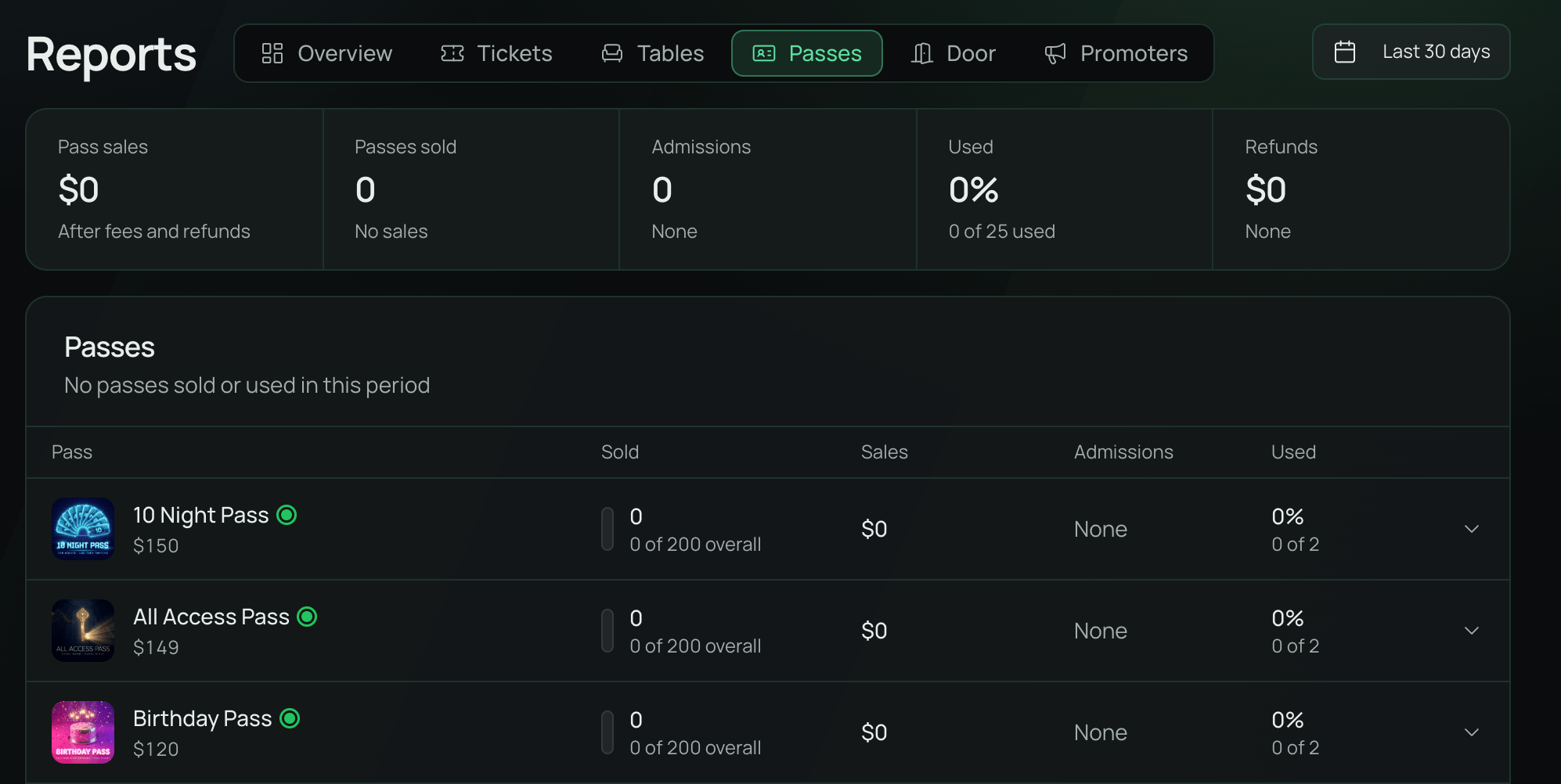
The figures at the top count sales and admissions in your range. Pass sales matches the overview's Pass sales: what you keep after fees you paid and refunds. Used is the share of passes valid in your range that were scanned in at least once.
Passes
Passes lists every pass you have. The ones that sold or were used in your range come first.
- The timeline shows passes sold each day, with a bar under each night passholders came in. Busier nights have taller bars. Hover for the figures.
- Each row shows passes Sold, Sales, Admissions, and how many were Used. Sales are the passes' prices and tax, less refunds, so a pass's sales add up to Pass sales at the top when your guests paid the fees. A pass with a limit shows how much of it is taken.
- Click a row to see its Sales pace, its Top events, and What you keep after fees and refunds. Click Open pass to go to the pass.
Passes that are not on sale and had nothing in your range are hidden. Click Show passes not on sale to see them. With no passes yet, roles with Full Access to Passes see Create a pass.
The rest of the report
- What sold ranks your passes by sales. Free claims shows when you have them.
- Where buyers came from ranks your tracking links by sales before fees. Other shows Direct sales and codes that match none of your links.
- At the door lists admissions by event, refused scans by reason, and your team's changes, such as Suspended and Codes replaced.
- When passholders come in shows each weekday by hour. Beside it, you can see how often each pass was used.
 VenueStack on your phoneRun your venue from your pocket.How to install