Loading articles…
Loading articles…
Work with promoters
Updated
Promoters are not staff. Each gets their own sign-in, their own link to your events, and a small dashboard of their own. Tickets, tables and passes bought through a promoter's link, or with a promo code tied to them, are credited to them, and so are the guest list names they bring.
Invite a promoter
- Go to Settings → Users and choose Promoters at the top.
- Click Invite promoter.
- Enter their Name and Email, and their Phone if you like.
- Click Send invite.
They get an email with Accept invitation. It opens the sign-in page with their email filled in. Signing in there, with a code sent to their email or with Google, accepts the invite. Someone who already has a VenueStack login is added straight away and gets an email saying so.
Invitations expire after 7 days. An invited promoter's card shows Invited, and Invite expired once it runs out. Click the send button on their card to send a fresh one.
Your promoters
Each promoter has a card. Click the link button on it to copy their link to your events calendar. A promoter who runs a company has a bar above their card with the company's name and how many sub promoters it has: click it to show them. See Promoter companies.
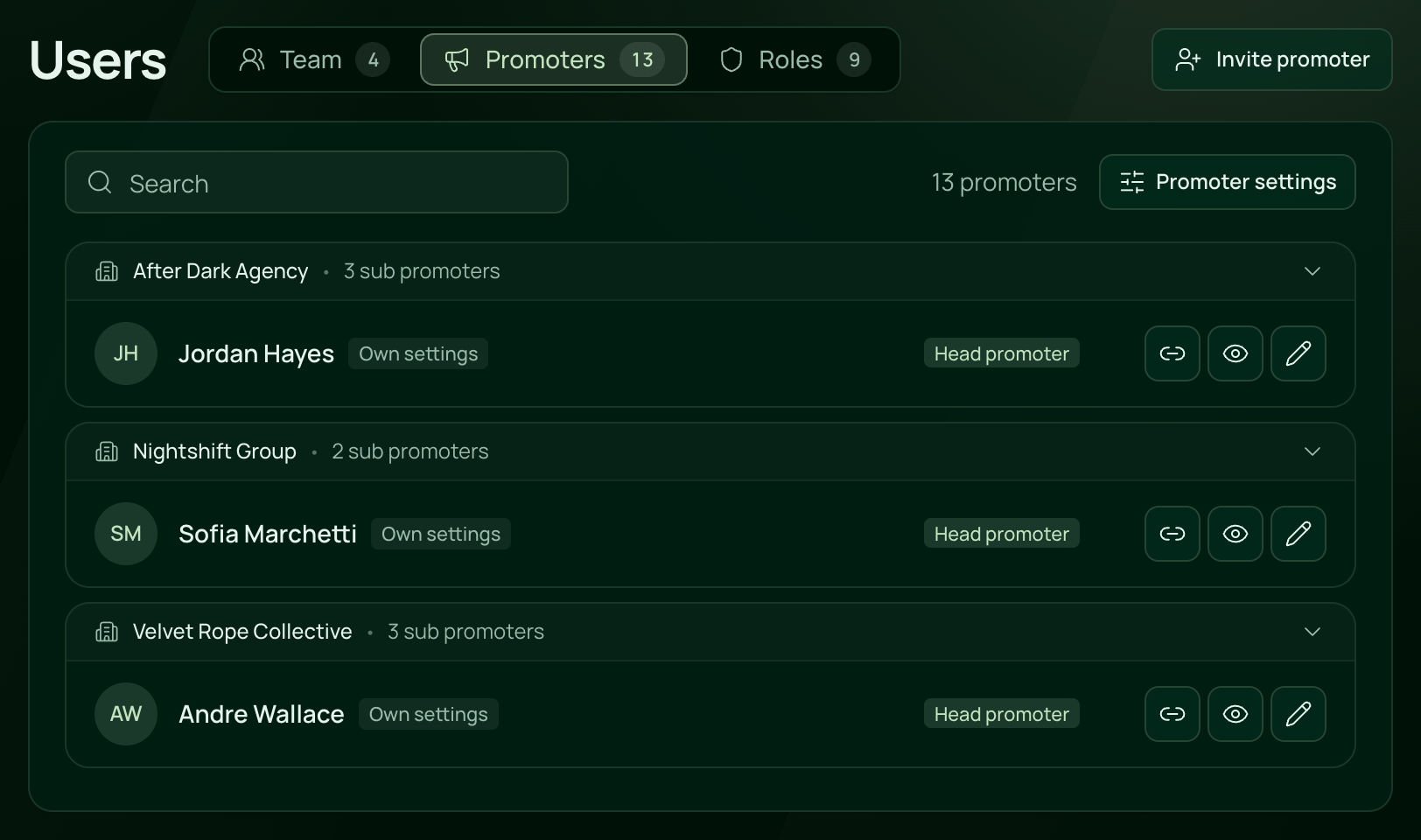
Click a card, or its pencil button, to open that promoter's settings: their email and phone under Contact, what they see, their company, their commission and their guest list spots. See Promoter pay and access.
Keep a night off their calendar
Open the event, and on Details turn off the Promoters switch, so it reads Hidden from promoters. Then click Save. Promoters no longer see that night or its link.
Remove a promoter
- Click the promoter's card.
- Click Remove promoter at the bottom of the window. For someone who hasn't accepted yet, it reads Cancel invite.
- Click Remove, or Cancel invite, to confirm.
They can no longer sign in to your venue. Their links still open your pages, but new sales are not credited to them. Past sales stay in your reports. When you remove a head promoter, their sub promoters stay on as promoters of their own.
 VenueStack on your phoneRun your venue from your pocket.How to install