⌘K
Loading articles…
⌘K
Loading articles…
Count people at the door
Updated
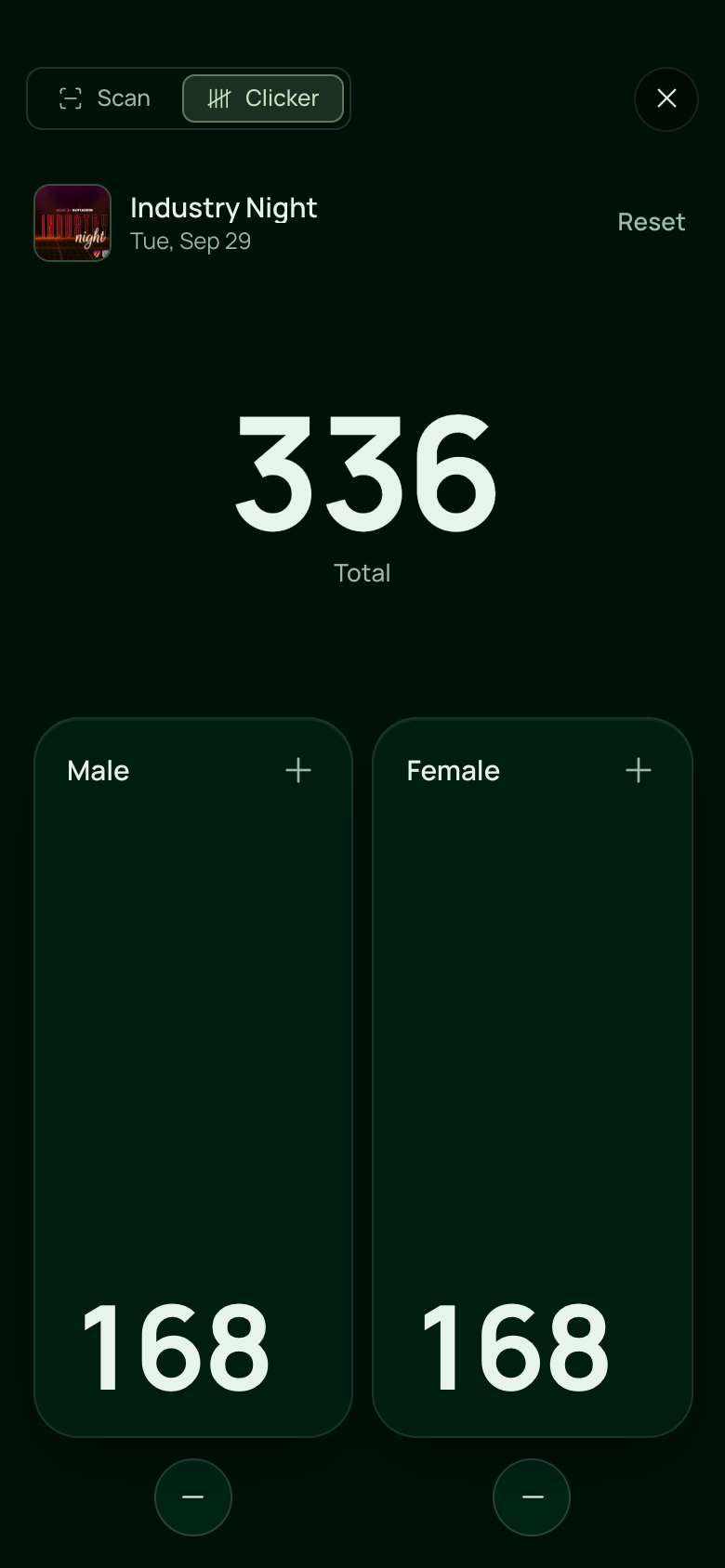
The Clicker is a hand counter on your phone, next to the ticket scanner. Tap once for each person who walks in. Every phone counting the same event adds to one total.
Count guests
- On a phone, tap Scanner in the menu, then Clicker at the top. The scanner opens on whichever you used last.
- Check the event under the header. If more than one event is on tonight, tap it to choose another.
- Tap the Male or Female pad each time someone comes in.
The total at the top is always male plus female. Each tap counts the moment your finger touches the pad, with a short buzz on phones that support it.
Fix a mistake
Tapped the wrong pad? Tap the round − under that pad to take one off. A count never goes below zero.
Reset the count
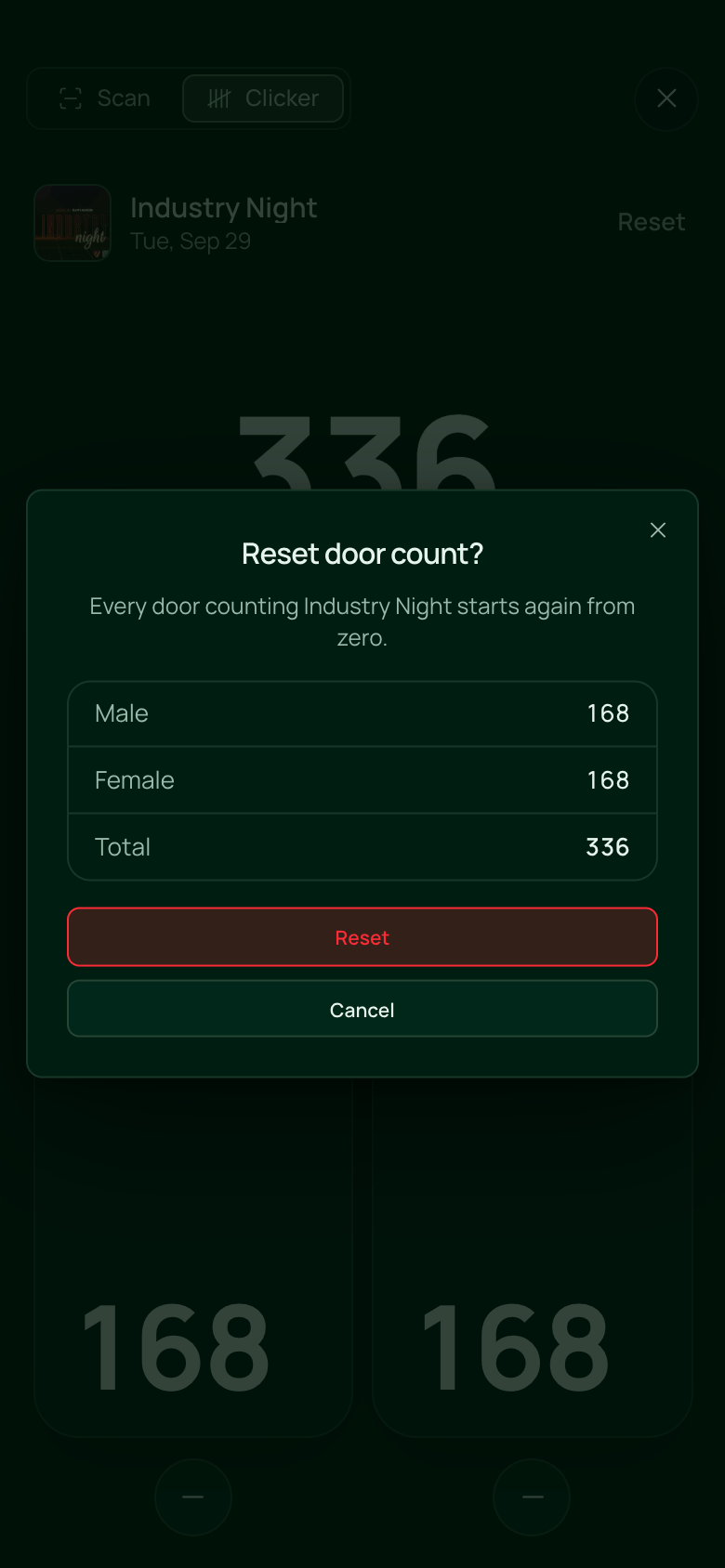
- Tap Reset beside the event name.
- Check the numbers, then tap Reset.
Every phone counting that event starts again from zero. Resetting needs a connection.
Good to know
- The Clicker keeps counting with no connection. Taps are saved on the phone and sent as soon as it is back online, and Sync shows how many are waiting.
- Switching between Scan and Clicker keeps your place in both.
- Hand counts are separate from ticket check-ins. Scanning a ticket does not add to the Clicker.
- Each event's count shows later in its Stats on the Events page, in Compare, and under At the door in Reports → Tickets.
- Set your venue's Capacity in Settings → Account and owners and managers get an alert when the count reaches it. See Notifications.
 VenueStack on your phoneRun your venue from your pocket.How to install